> For the complete documentation index, see [llms.txt](https://docs.unchainx.io/llms.txt). Markdown versions of documentation pages are available by appending `.md` to page URLs; this page is available as [Markdown](https://docs.unchainx.io/product/swap.md).
# Swap
Swapping is the most common method of exchanging various BEP20 tokens circulating on the Binance Smart Chain (BSC) based on the ratio of tokens deposited in the pool.
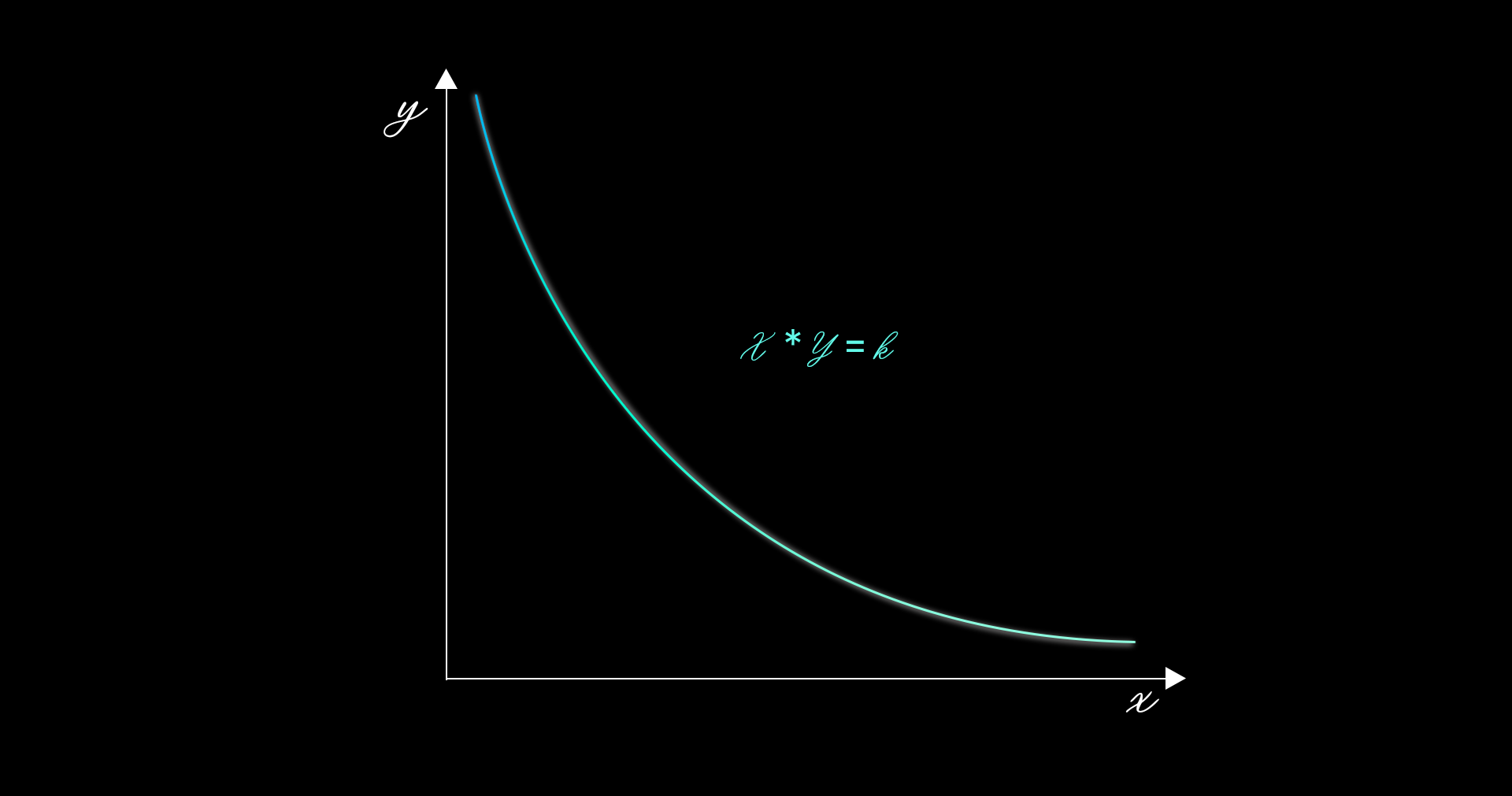
Unchain X swap operates on an AMM-based protocol, utilizing the CPMM (Constant Product Market Makers) function.
CPMM(x\*y=k)
## Fee rewards
When a user swaps tokens through Unchain X, transaction fee rewards are distributed proportionally to all liquidity within the range at the time of the swap. Liquidity that falls outside the position range no longer remains active, and no fee rewards are incurred. If the spot price reverses and re-enters the position range, liquidity is reactivated, and fee rewards are incurred. Additionally, fees are not automatically reinvested.
## Slippage
Slippage is a term used to describe the potential change in a specific price while a submitted transaction is pending.
When transactions are submitted to the BSC, the order of execution is determined by the amount of "gas" provided as fees for each transaction execution. Transactions with higher provided fees are executed more quickly. Transactions with lower gas fees are kept pending for a certain period. During this period, the price environment for final execution of the transaction changes due to other swaps occurring.
Slippage tolerance sets the margin of change that users can accept beyond the price impact. If the execution price exceeds the allowed slippage range, the transaction fails, and the swap does not occur.